
Regular VPN
For Telegram, YouTube, news, and international websites.
Install Svoboda and create an account without a phone number or email. Get a subscription and choose Open in app. You can also use the Telegram bot.
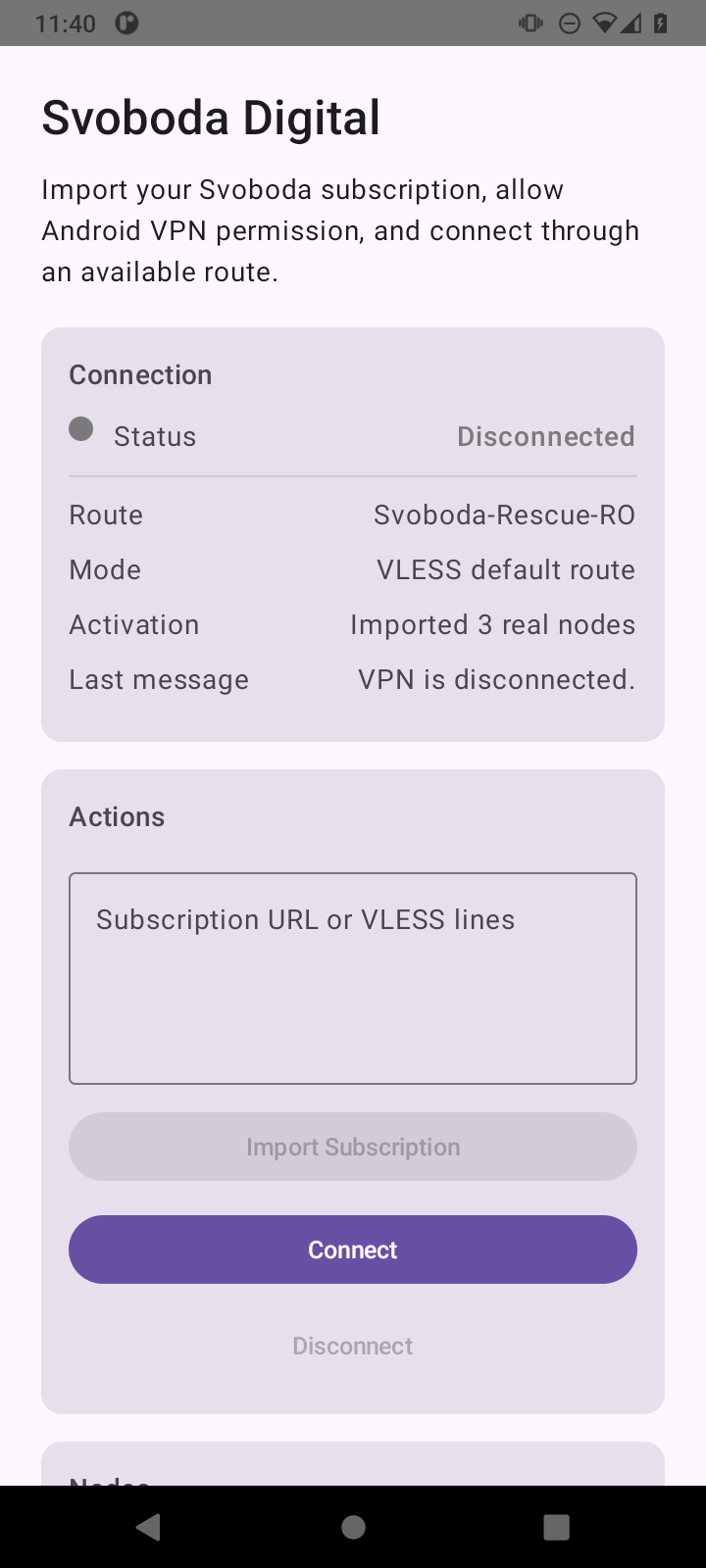
Start with the Svoboda app. If it does not work on your device, there are other options below.
On Android, install Svoboda from Google Play or this site. For iPhone, contact support.
Open the personal account and pay by card or PayPal through Stripe, TON, or USDT on TON. Stars and auto-renewal remain in the bot.
Open your account in the app, sign in, and choose Open in app. You can also copy your connection link and paste it into the app.
The APK can be shared. Your connection link must not be posted publicly.
One subscription lets you connect through different countries. Choose the country you need in the app.
For Telegram, YouTube, news, and international websites.
Paid subscriptions include a connection through Russia for Russian government and work websites that do not accept connections from other countries.
Russian websites see a connection from Russia. This does not guarantee that banking, shopping, or bailiff-service apps will work.
The app and subscription are separate. Buy a subscription, open a gift link, enter a promo code, or use a subscription you already have.
Install version 0.2.20260906 from Google Play. Open your account in the app and add your subscription. If nothing happens, paste your connection link manually.
The Google Play version and the website version are separate apps. Save your connection link and add it to the Google Play app before removing the old app.
You cannot download the iPhone app from this page yet. Contact us and we will help you connect.
Create an account without a phone number or email. Pay for your subscription and save the recovery code. Choose Open in app to add your subscription to Svoboda.
/subscription
Shows the current subscription, or says that you do not have an active subscription yet.
/buy_ru
Russia: free access when available, or payment with Stars, TON, or USDT on TON.
/buy
Outside Russia: card, Stars, TON, or USDT on TON.
The app shows countries you can connect through. For international websites, choose Regular VPN, and for Russian websites, choose Russia route.
After connecting, open a website that did not work before. The connection check below should show the country you chose.
After you tap Disconnect, the VPN icon in Android should disappear. If it stays, open the app and disconnect again.
You do not need a phone number or email to create an account. Read the privacy policy linked below to learn how we handle data. Connecting through Russia changes the country websites see, but apps on your device may still notice the VPN. We cannot guarantee that banking, shopping, or bailiff-service apps will work.
Apps for computers and TVs, plus other options for your phone.
Install Svoboda from Microsoft Store. If the store does not work, try v2rayN.
For macOS 12 and newer, Intel and Apple Silicon. The app is signed by the developer and has passed Apple’s check for apps installed outside the App Store. Add your subscription from your account or paste your connection link.
A Linux app with five ways to connect. Choose the file for x86_64 or ARM64, extract it, and run this command in the terminal: sudo ./install.sh.
You can add your Svoboda connection link to one of these iPhone apps.
For TVs and set-top boxes with Android TV. Svoboda does not have its own TV app yet.
Email support@svoboda.digital or open support in the Telegram bot. Do not send recovery codes or connection links to public chats.
The installation file contains no personal settings. Your connection link belongs to your subscription: do not publish it or share it with anyone else.