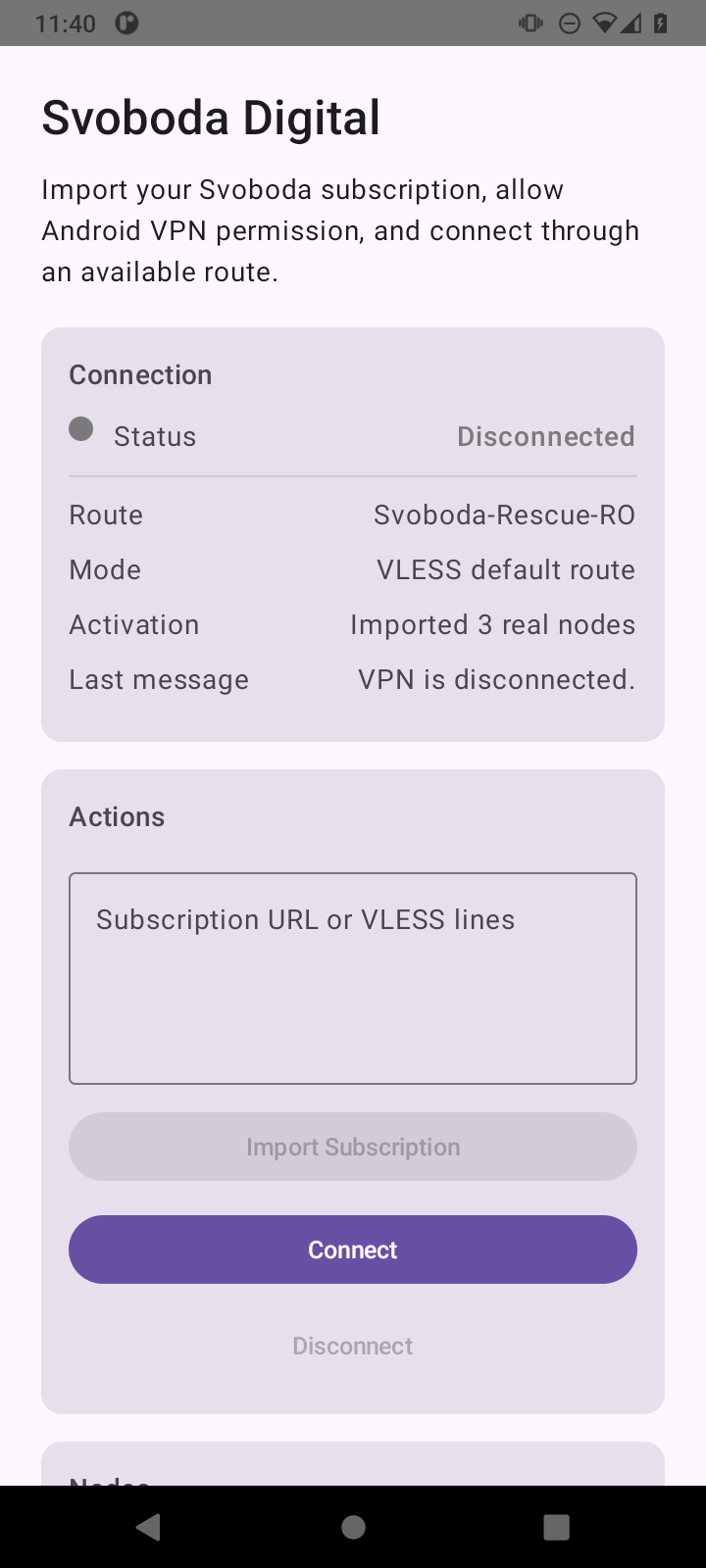
If Google Play is unavailable, download the signed APK directly.
Open Svoboda. When Android asks to allow a VPN connection, confirm.
The Google Play version and the website version are separate apps. Save your connection link and add it to the Google Play app before removing the old app.
Connect
How to connect
In the app, open your account and sign in.
Create an account or restore your old account with its recovery code. Choose Open in app.
If nothing happens, paste the link from your account or the bot into the link field, Subscription URL manually.
Choose Regular VPN for international websites or Russia route for Russian websites that do not accept connections from other countries.
Tap Connect.
After you tap Disconnect, the VPN icon in Android should disappear.
Choose a country
Which country to choose
Use Regular VPN for Telegram, YouTube, news, and international websites. Paid subscriptions also include Russia route for Russian government services, personal accounts, work portals, and sites that restrict foreign IP addresses.
You do not need to provide a phone number or email to create an account. Read the privacy policy linked below to learn how we handle data. Connecting through Russia does not guarantee that banking, shopping, or bailiff-service apps will work.
Important
The app and subscription are separate
You can share the Google Play link or installation file. Keep your connection link to yourself: it belongs to your subscription.
Checksum
SHA-256
File: svoboda-android.apk. Its checksum is published separately and updated together with the APK.