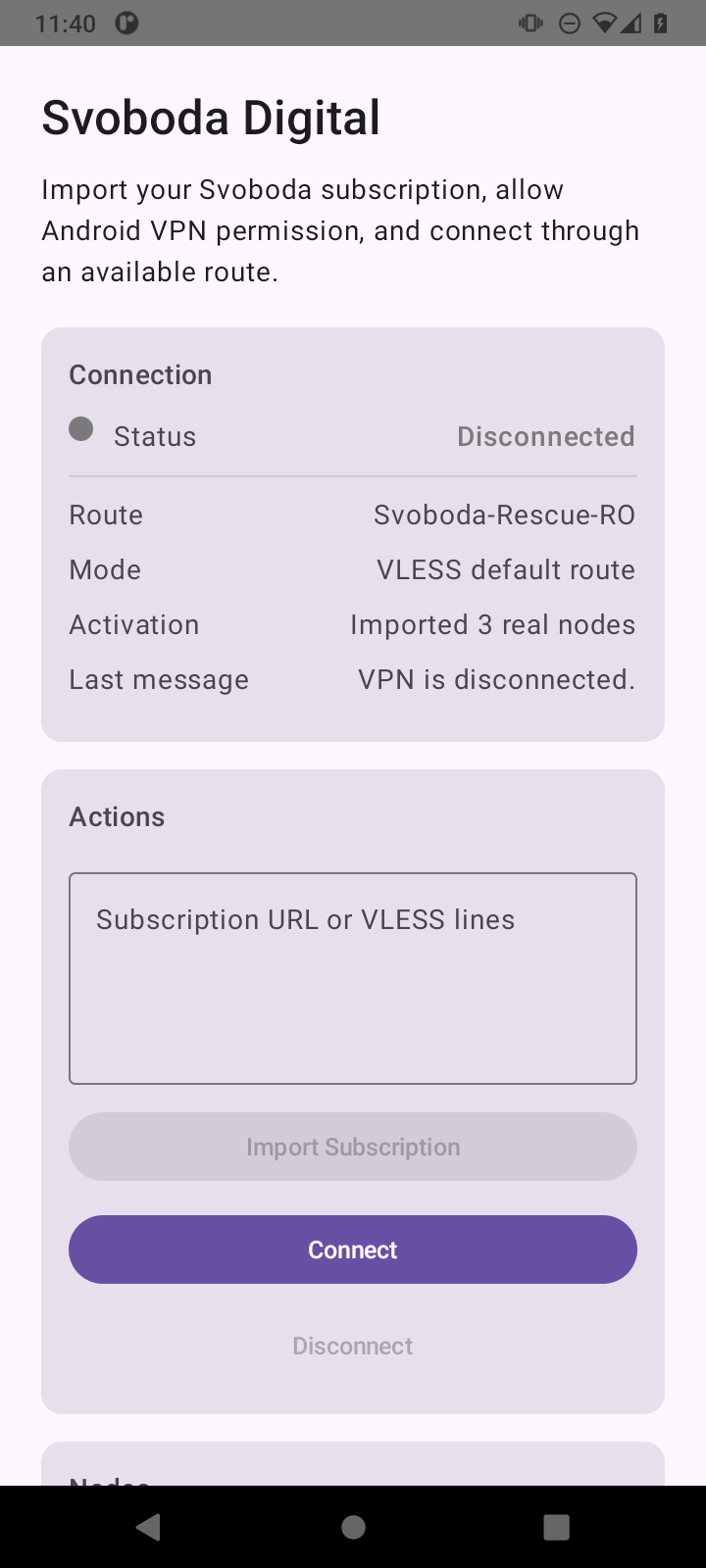
Svoboda for Android
The Google Play app updates automatically. The direct APK updates previous website installations, but does not replace the separate Play app.
Choose your device. Install Android from Google Play or this site, Mac from the App Store or this site, Windows from Microsoft Store, and Linux from this site. Contact support for help connecting an iPhone.
For this device
Choose your device and installation method below.
Find your device and select the install button. Contact us if you need help.
The Google Play app updates automatically. The direct APK updates previous website installations, but does not replace the separate Play app.
You cannot download the iPhone app from this page yet. Contact us and we will help you connect.
Download the app for Macs with Intel or Apple Silicon. It is signed by the developer and has passed Apple’s check for apps installed outside the App Store. For macOS 12 and newer.
Version 1.1 (13) is published in the App Store for macOS 12 and newer. The app works in Russian and English and receives updates automatically through the store.
Install the app for Windows 10/11 from Microsoft Store. The store will update it automatically.
A test version for Linux. Download the file for your computer’s processor. Installation instructions and a list of required programs are included.
Install the app, get a subscription, and add it to the app.
On Android, open Google Play or download the app from this site. On Windows, open Microsoft Store. On Mac, use the App Store or this site. For Linux, download the installation file. For iPhone and iPad, contact support.
Create a personal account without a phone number or email. Pay by card or PayPal through Stripe, TON, or USDT on TON. Use the Telegram bot for Stars or subscriptions you created there.
Open your account in the app, sign in, and choose Open in app. If nothing happens, copy your connection link and paste it into the app. If websites do not open, choose a different country.
A paid subscription lets you open Telegram, YouTube, news, and international websites. Choose Russia route to help open Russian government and work websites that do not accept connections from other countries.
You do not need to provide a phone number or email to create an account. Read the privacy policy linked below to learn how we handle data. Connecting through Russia does not guarantee that banking, shopping, or bailiff-service apps will work.
The Svoboda app for your device is the main option. If it is not available for your device yet or does not work, use a backup option below.
If the Svoboda app is not available for your device yet or does not work, you can add your connection link to V2Box. Contact us if you need help.
Try this if you cannot install Svoboda from Microsoft Store.
For TVs and set-top boxes with Android TV. Svoboda does not have its own TV app yet.
You can add your Svoboda connection link to one of these iPhone apps.
You can share the app’s installation link. Get your connection link from your account or the bot and keep it to yourself: it belongs to your subscription.